This tutorial shows how to manage banners in PrestaShop. Banners are controlled through PrestaShop admin panel.
In PrestaShop admin panel go to Modules > Positions. Search the modules list for the Banner Block modules.
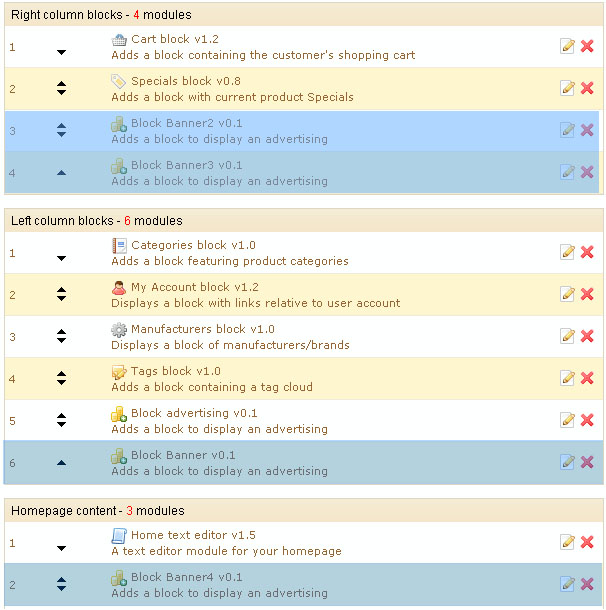
You can change the banner block position using the edit icon.
In order to disable the banner block or change the image go to Modules section in the admin panel. Search for the Blocks section. There you’ll see all available banner modules
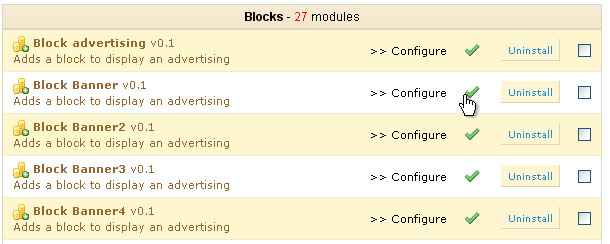
Feel free to check the details video tutorial on how to manage banners in PrestaShop.