The tutorial explains how to change top menu element names in PrestaShop template
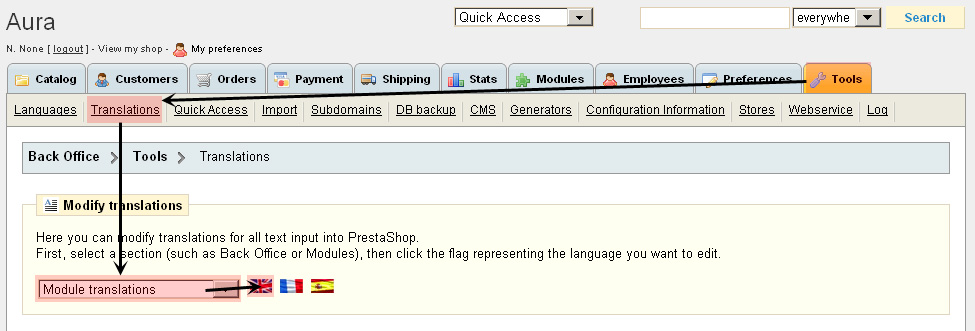
Please login to your PrestaShop admin panel and click ‘Tools’ tab. Then please click on ‘Translations’. Here we can modify translations for our store. Top menu is using tmheadlinks module. So we should select ‘Module translations’ from drop-down menu and click on flag icon
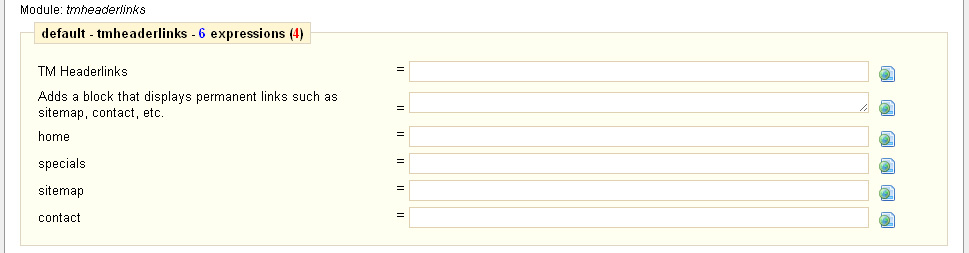
Please search for tmheaderlinks module using browser search function or just manually find it in the list. Here we can assign new names for each menu element.
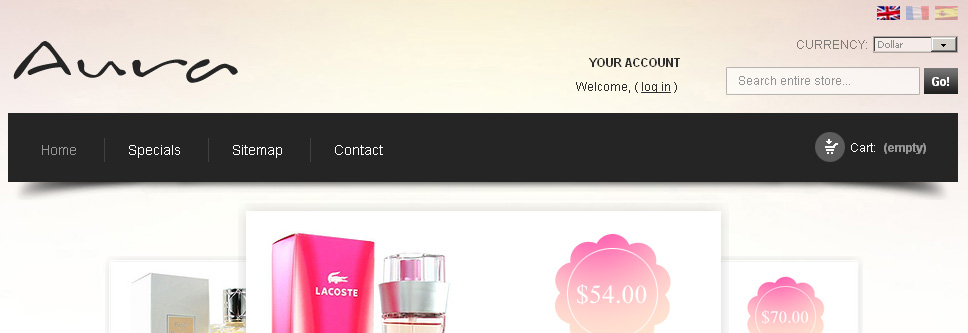
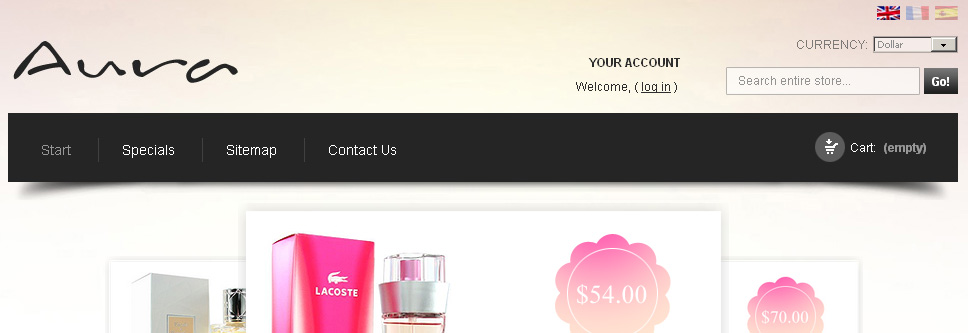
Our menu has Home, Specials, Sitemap and Contact menu elements
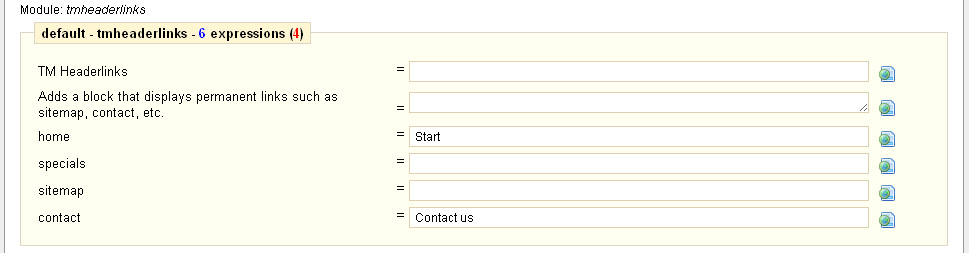
We will change Home to Start and Contact to Contact Us.
Please scroll to the bottom of the page and click on ‘Update translations’ button to save the changes.
Site menu has updated accordingly
Feel free to check the detailed video tutorial below: