This tutorial will show you how to increase the flash loading speed.
Open the .FLA file located in the “sources/flash” folder and navigate to File->Publish Settings, then select the “Flash” tab.
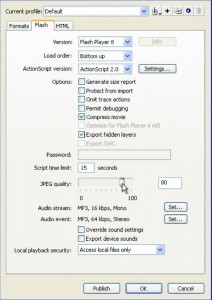
We may now reduce the Image Quality:
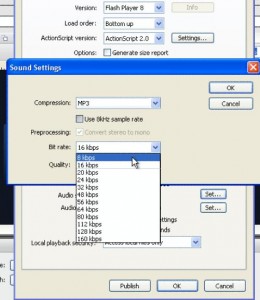
We may also reduce the music quality:
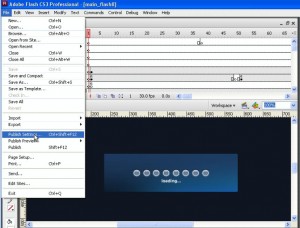
After that is done, we may publish the file using the short key CTRL+ENTER or File->Publish Preview->Flash
Feel free to check the detailed video tutorial below: