1. Download AppServ installation file at http://sourceforge.net/projects/appserv/files/AppServ%20Open%20Project/. It is better to select latest version.
2. Run AppServ installation file and follow on screen instructions.
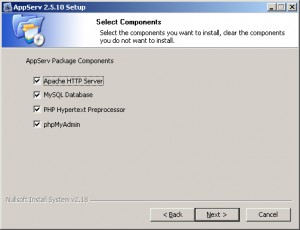
3. Make sure you have checked all the check boxes on Select Components step.
4. Type in your the server name/address on Server Information step. Your sites will be available under that adderess.
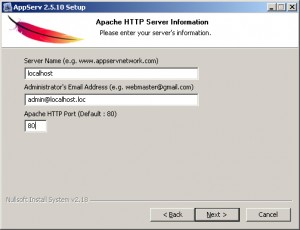
Type in your email address as well.
5. Define MySQL password on MySQL Server Configuration step. You will need it to create and alter databases.
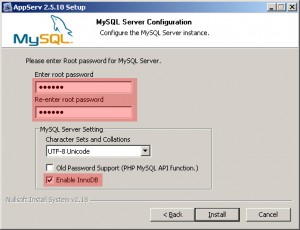
Make sure you have checked Enable InnoDB check box as well.
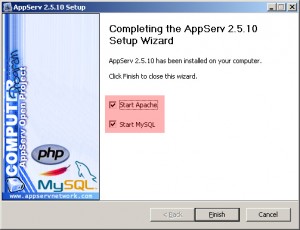
Check Start Apache and Start MySQL check boxes on final step and click Finish button.
Open your Web browser and type in localhost to address bar. You should see the following page:
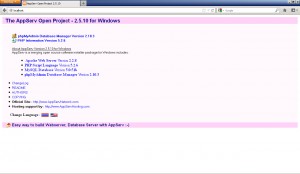
AppServ is installed successfully.
Type in localhost/phpmyadmin to access phpMyAdmin interface and login using root as user and password you have created when installing AppServ
Feel free to check the detailed video tutorial below: