1. Please go at http://www.apachefriends.org/en/xampp-windows.html do download XAMPP for windows.
2. Run XAMPP installation file and follow on screen instructions.
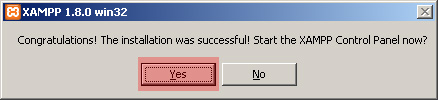
3. Click Yes when installator askes you if you would like to start XAMPP Control Panel
4. Check if Apache and MySQL are running and press Start button if they are not.
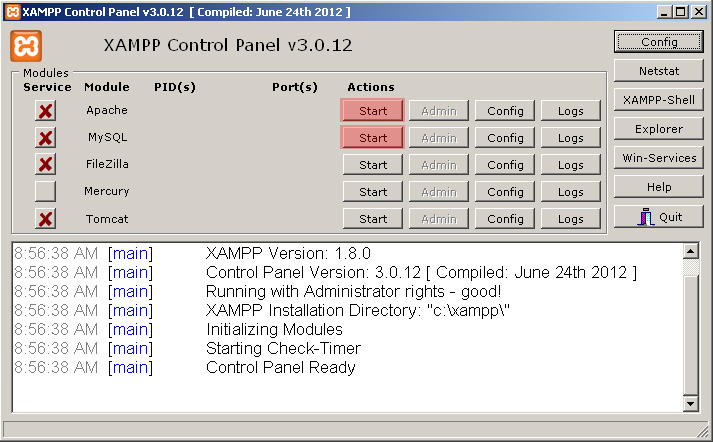
5. Now you can click Admin button to manage your Apache server settings or MySQL databases.
Feel free to check the detailed video tutorial below: