1) Login to your admin panel and navigate to the Modules tab.
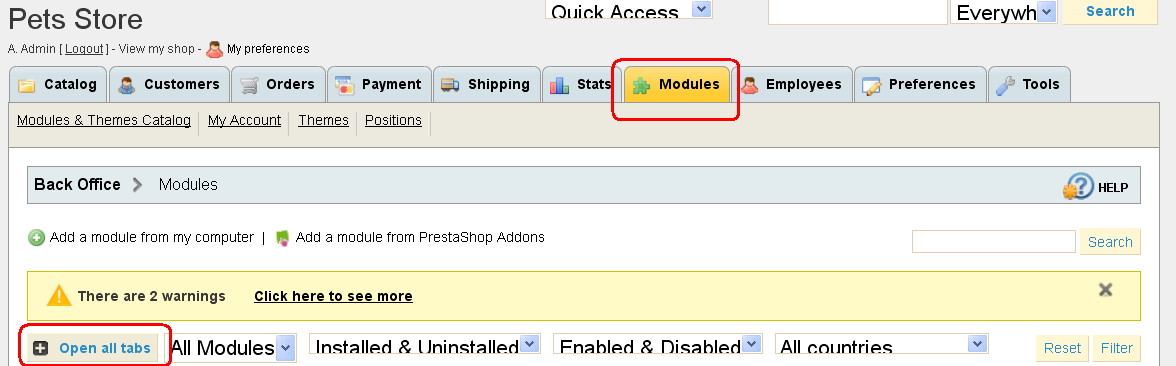
2) Find the TM Nivo Slider module and press Configure.

3) Upload the Slide image and fill all the needed information fields below.
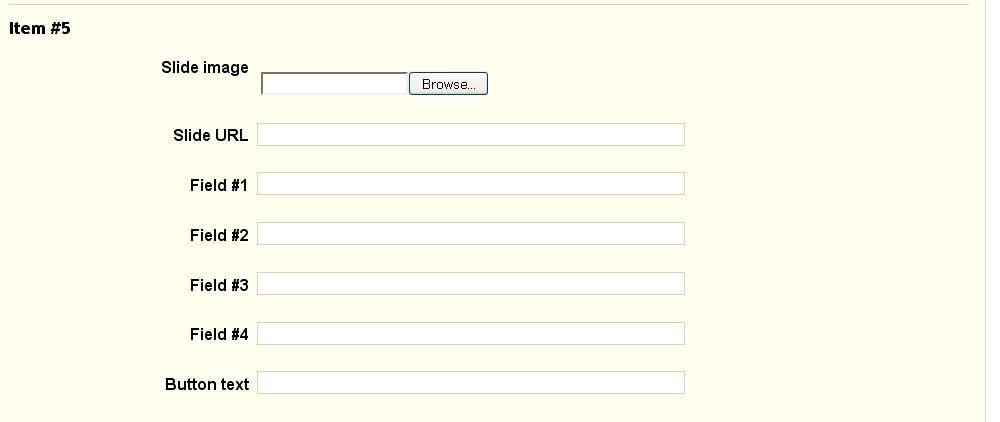
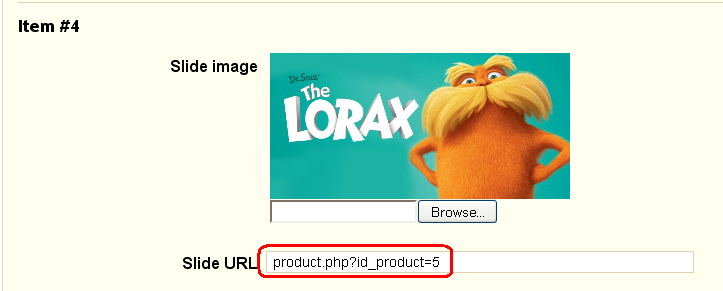
4) In order to create a slide URL, locate any product on your store page and copy all the text that comes after your site URL

5) Paste it to the Slide URL field
Feel free to check the detailed video tutorial below: