- Open your .fla file from ‘sources/flash’ folder in Adobe Flash program.
- Open the Flash Library (CTRL+L) and locate the menu movie clip. Double click on it to open in the Scene.
- Look on the time line. You will see layers for each menu item.
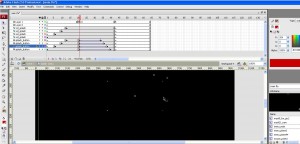
- Click on the object, on the Scene, to select, then press F9 key to open the action script panel.
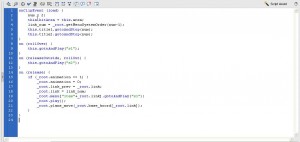
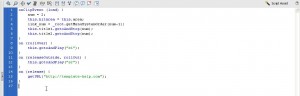
- Input this script for ‘On(relese)’ function:
on (release) {
getURL("http://www.your_site_url.com");
}
6. Publish your .FLA file to see the preview.
Feel free to check the detailed video tutorial below: