In this tutorial we will learn how to extend the scroll area in XML Flash Templates.
Once we have added more text into the Scroll section in main.xml file, we should open the .fla file, located in the sources/flash folder.
In the flash library CTRL+L, find and open the movie clip for the Scroll area. Usually called as Scroller Movie Y, Scroll Y movie or Content Y Scroll.
Open the Action Script which is located on the first keyframe of the firts layer on the timeline.
Change the ContentY:Number= vlaue.
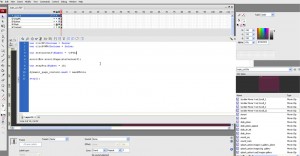
Publish .fla file to see the changes.
Feel free to check the detailed video tutorial below: