This tutorial explains how to change favicon in OpenCart
You should create favicon. The image should be in PNG format. The dimensions should be 16px x 16px

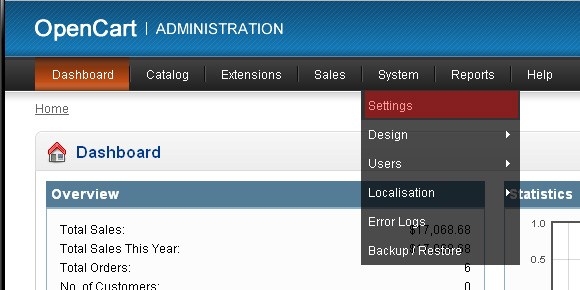
Please login to Opencart admin panel and go to System -> Settings.
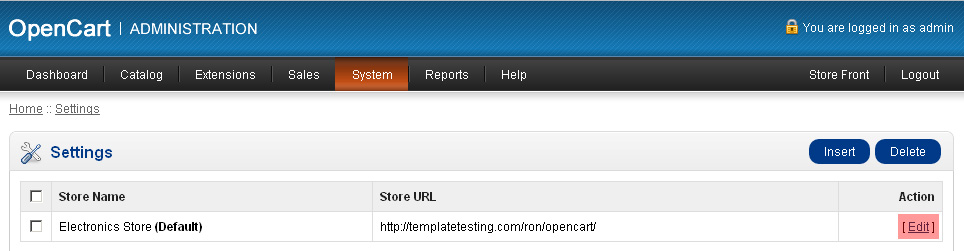
Click Edit next to the store name and select Image tab
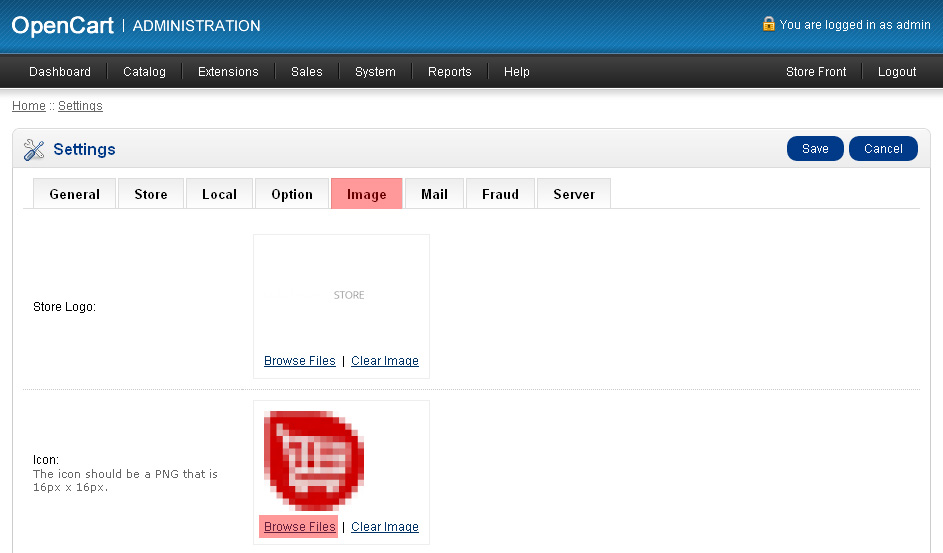
Please click Browse Files to select the image
Please click Upload to upload our new favicon.
Double click the image to select it and save the changes.
Feel free to check the detailed video tutorial below: