-
- Web templates
- E-commerce Templates
- CMS & Blog Templates
- Corporate Design
- Silverlight
- Video Templates
- Facebook Layouts
Pre-Sale Questions
General Tutorials
Tag Archives: XML
How to create text and mailto links
How to edit XML Flash templates
How to open a link in a new browser tab
Getting Started
If your template has an XML-based contact form you may need to get familiar with the following information which will help you to set up and configure your contact form according to your requirements. You’ll find the following files that …
Read More...formStructure.xml file
The structure file fcContactFormStructure.xml describes the form fields, their types and properties. The form is based upon the data from this file and therefore will not work correctly in case this file contains errors. It is not recommended to edit …
Read More...formConfiguration.xml file
The settings are as follows (they go in the same order as in the fcContactFormConfiguration.xml): • An e-mail address which will be used to receive messages from your contact form. You can specify several e-mail addresses separating them with a …
Read More...How to edit main colors
How to add an image
How to add a text area
How to assign a link to an image
How to change a font style
How to assign a link to text
How to edit images
How to edit text
How to upload a template to the server
How to replace a text logo with an image
How to change music
XML Flash Site Template
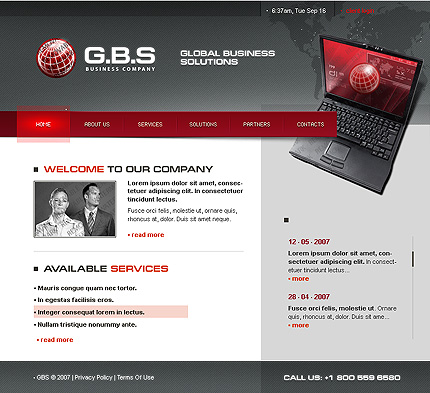
XML Flash Site templates are equipped with the system that will simplify your work with the Flash website by giving you the opportunity to edit it without having to use the special Flash software for that (you only work with the XML file). Besides it grants you a set of additional convenient features like switching the menu items which will automatically be followed by the proper page switches.
Read More...